COHORT 2 / Registration opens 1 November 2026 Get the details

LIVE AI CLASSES FOR ADULTS, CHILDREN & TEENS

Learn AI.
Build the
Future.

Trying AI is easy. Knowing how to use it well takes practice. At PNEUMA, you learn in live classes, work on projects and get support from a learning community. Join for yourself, or help your child learn to create with AI.

Live teaching · Recordings to revisit · Community support

CURIOSITY IS YOUR STARTING POINT

What will you
create next?

Explore the journey
WHERE IDEAS COME TO LIFELive classes Project work Community support

OUR FIRST COHORT

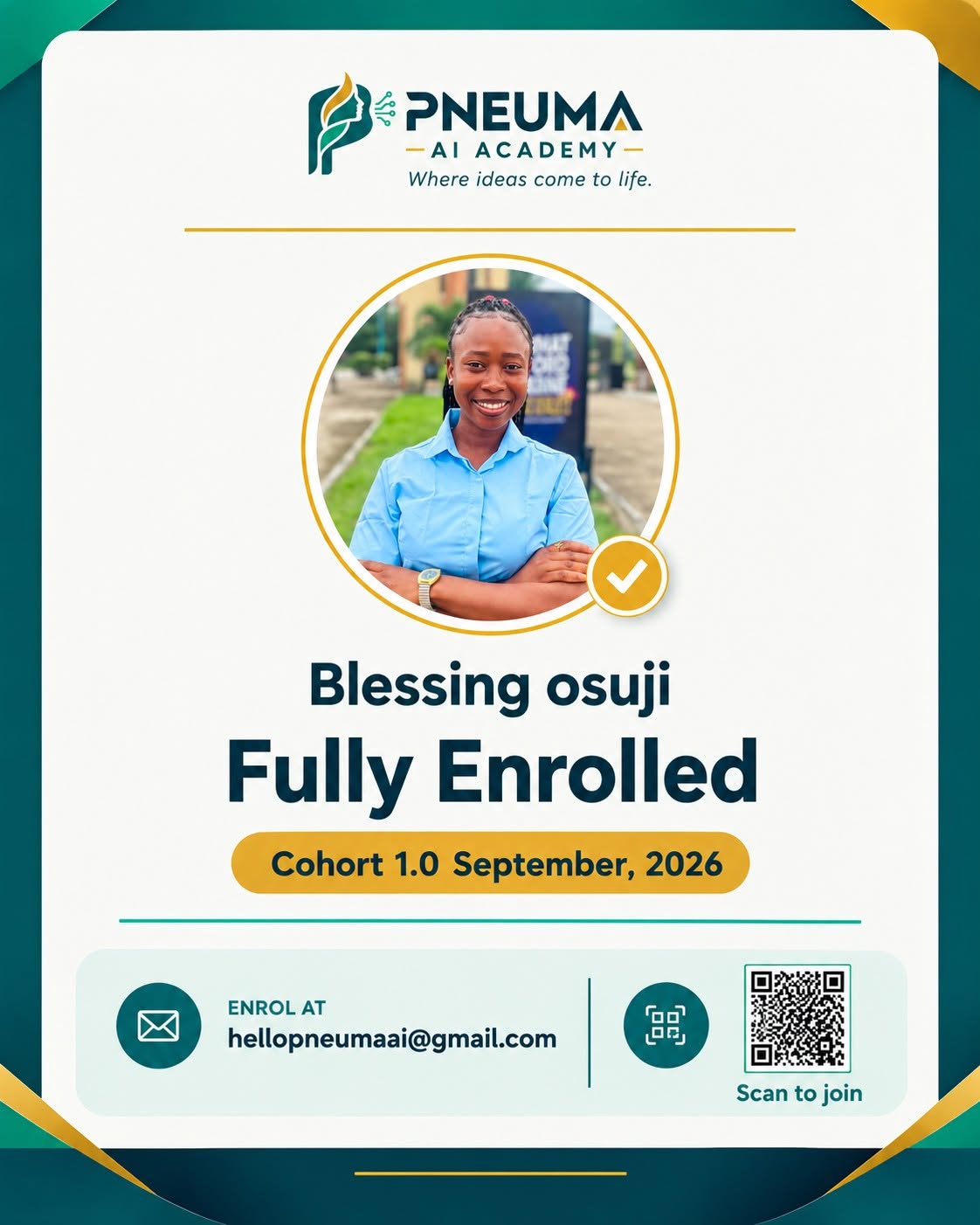
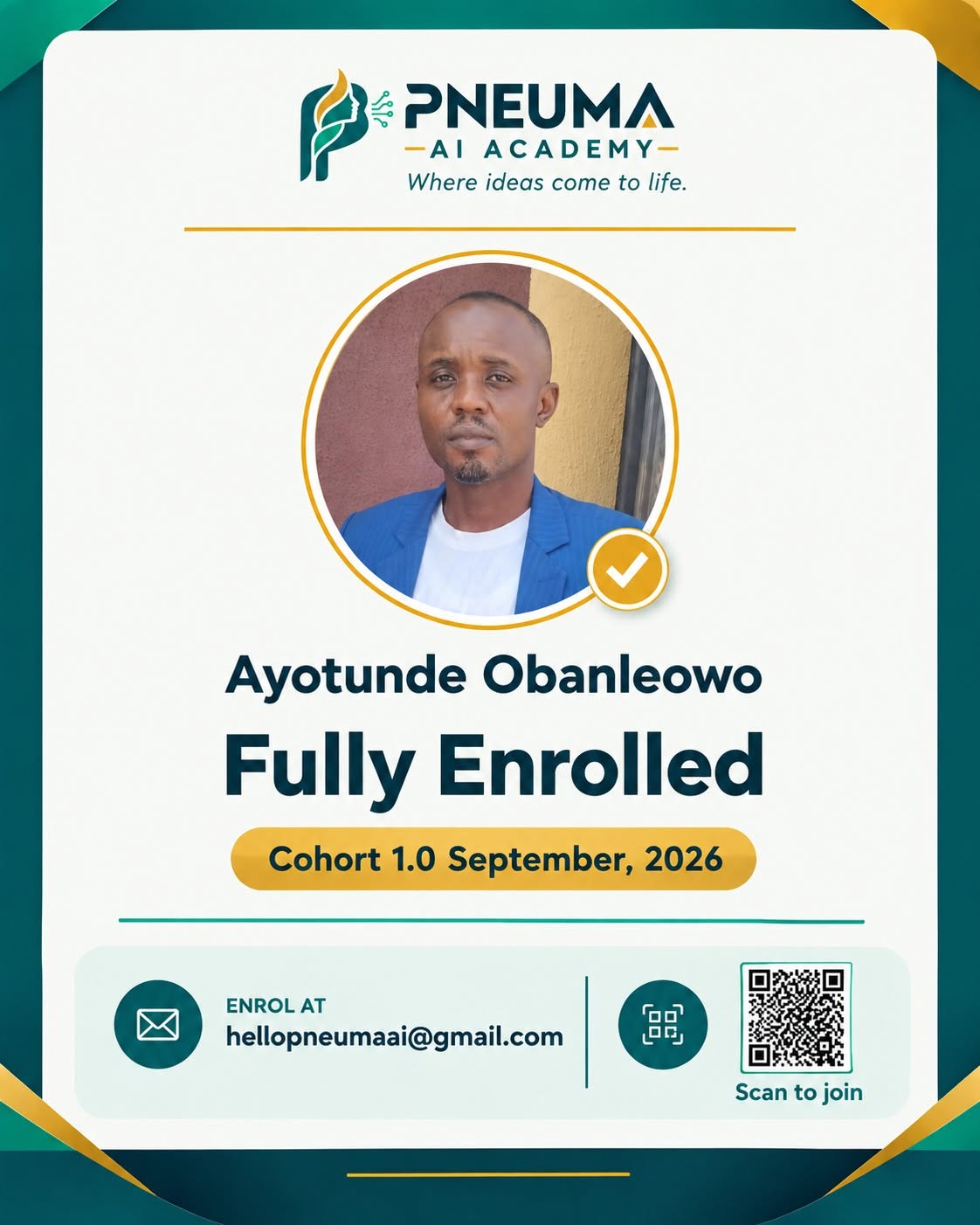
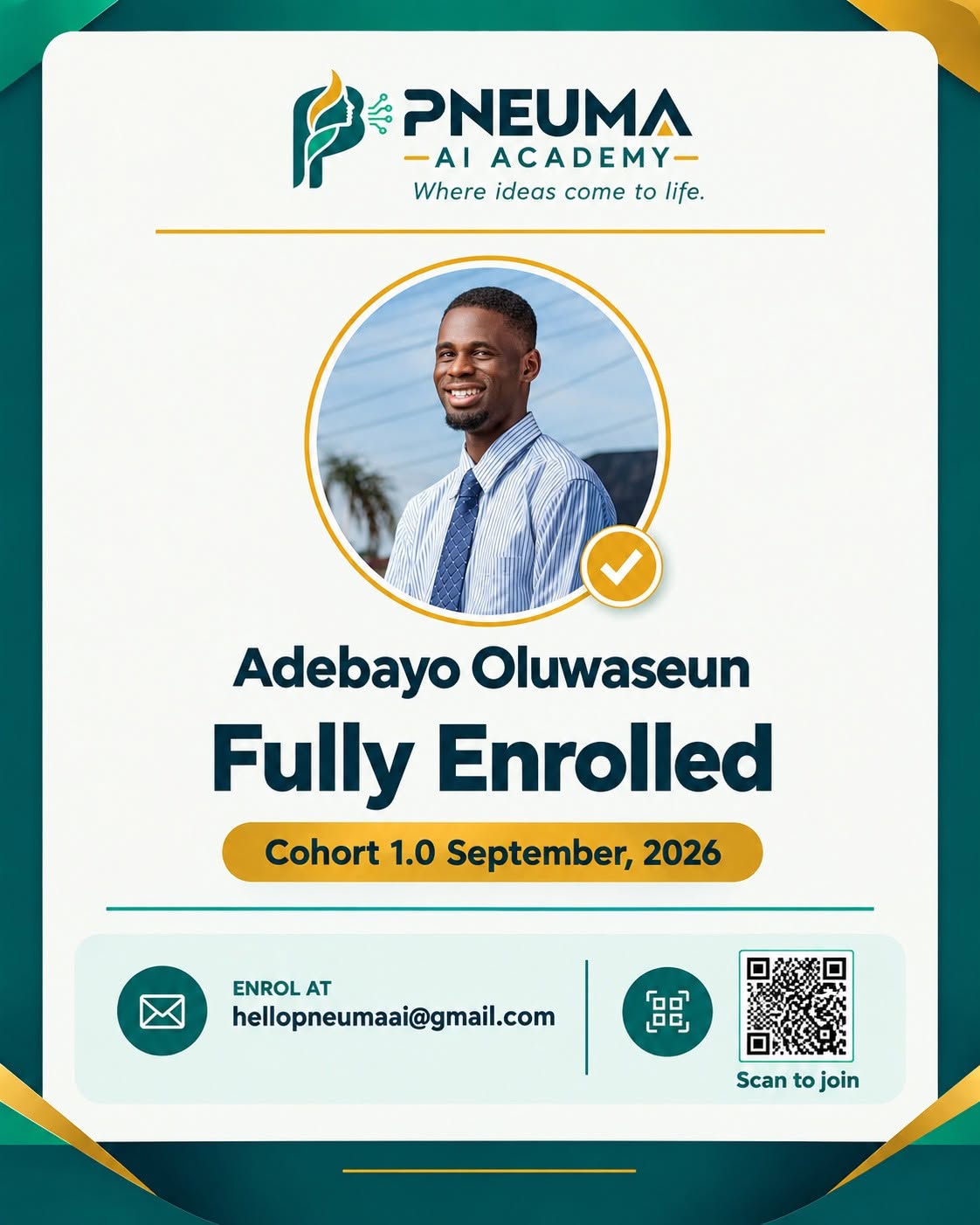
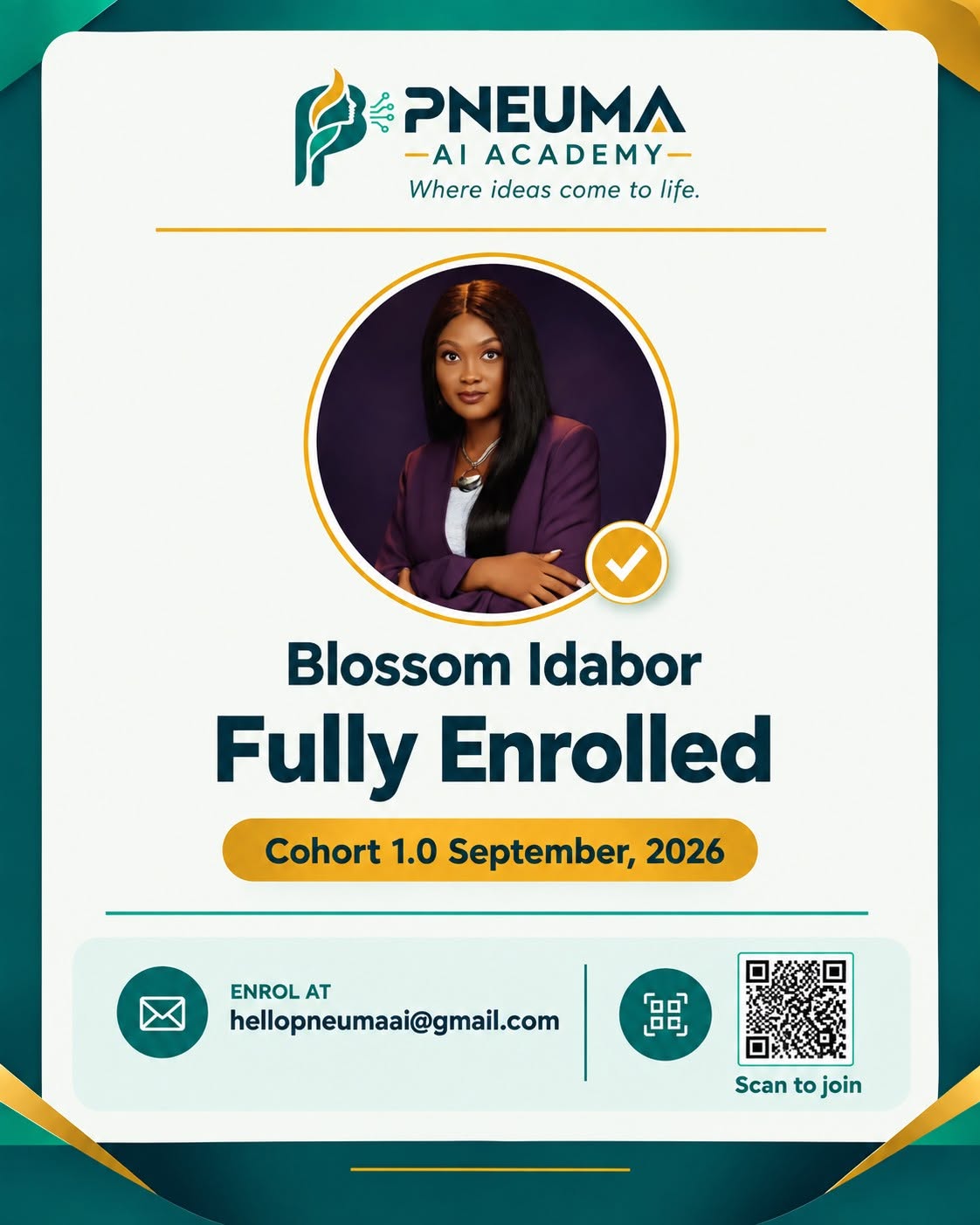
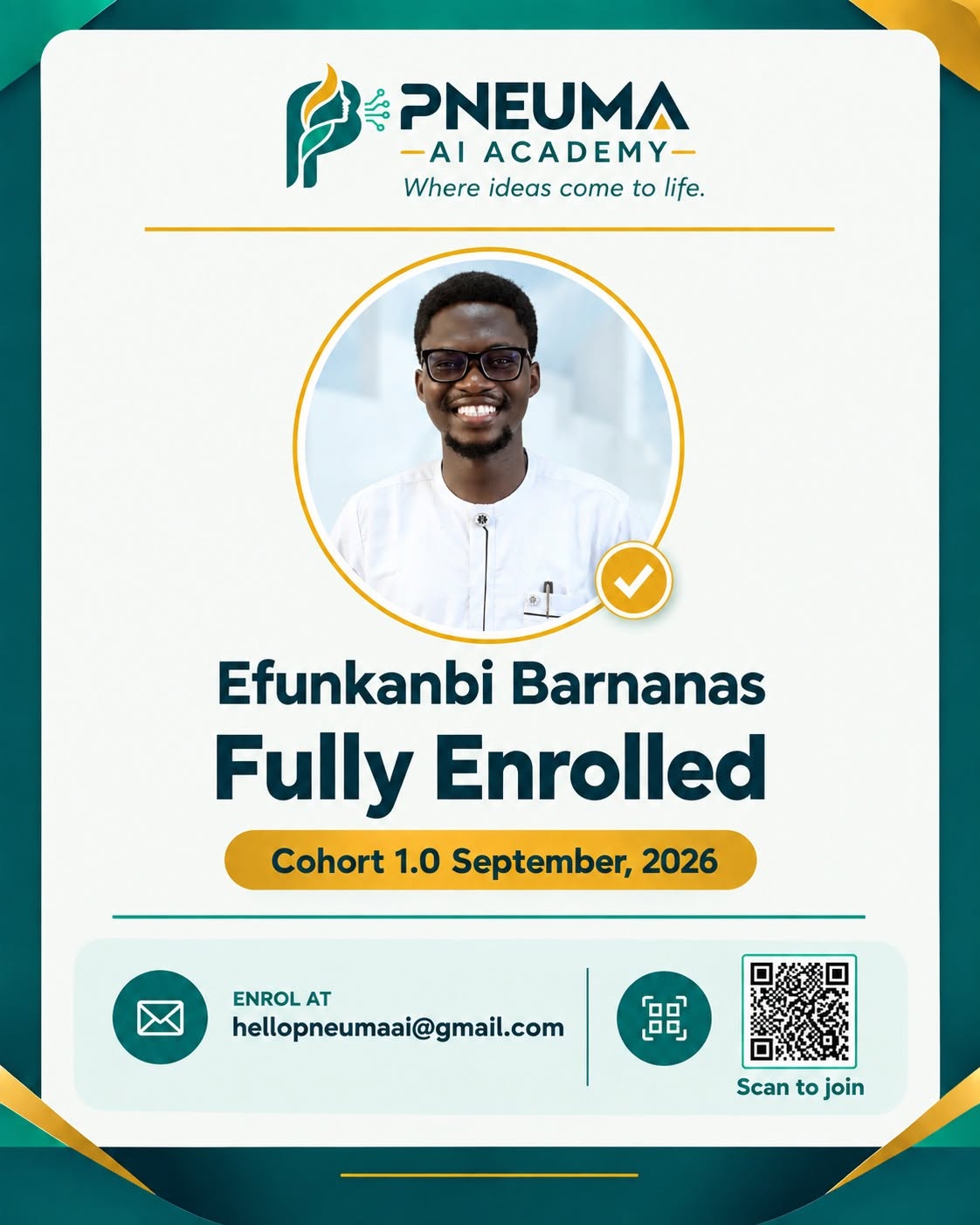
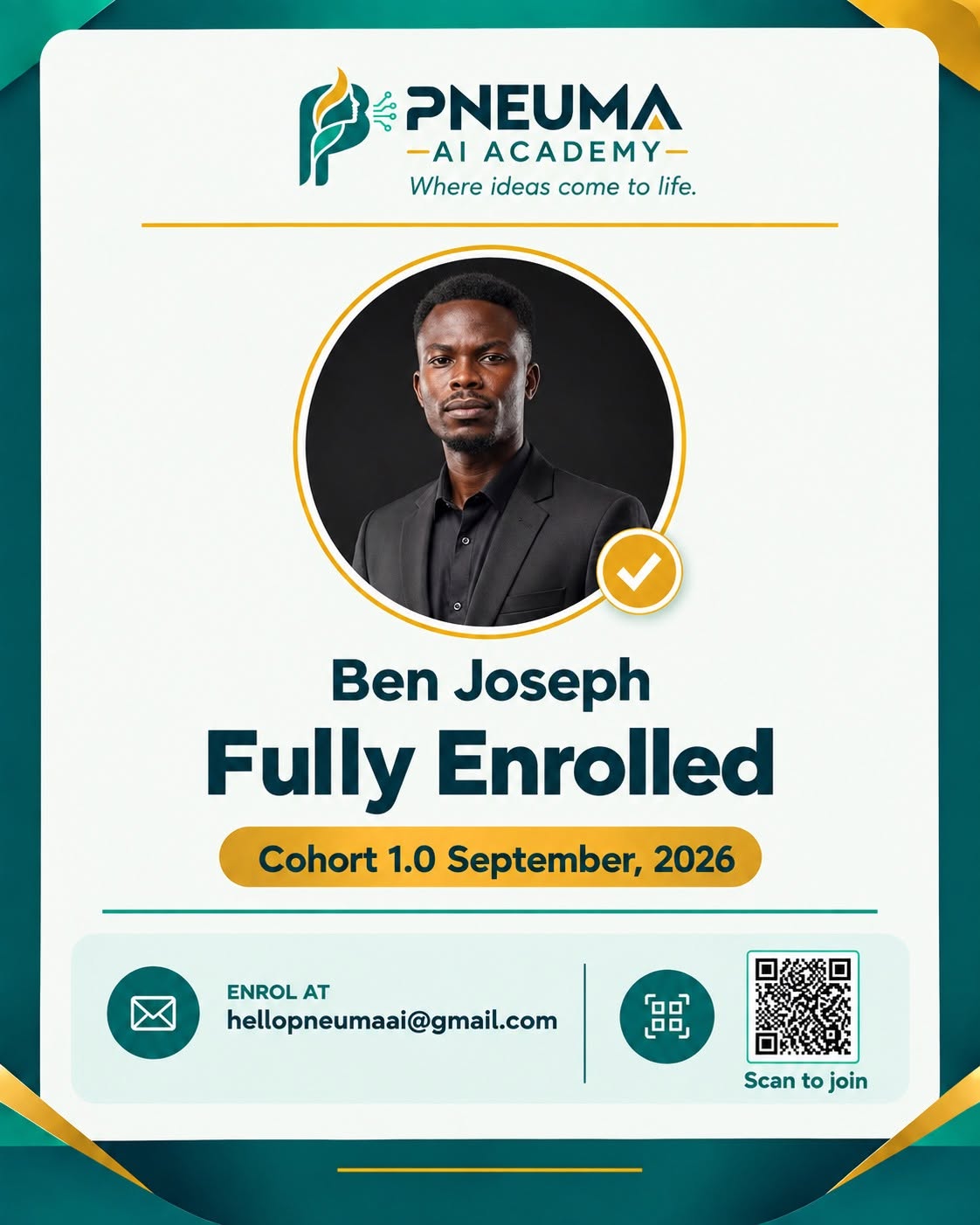
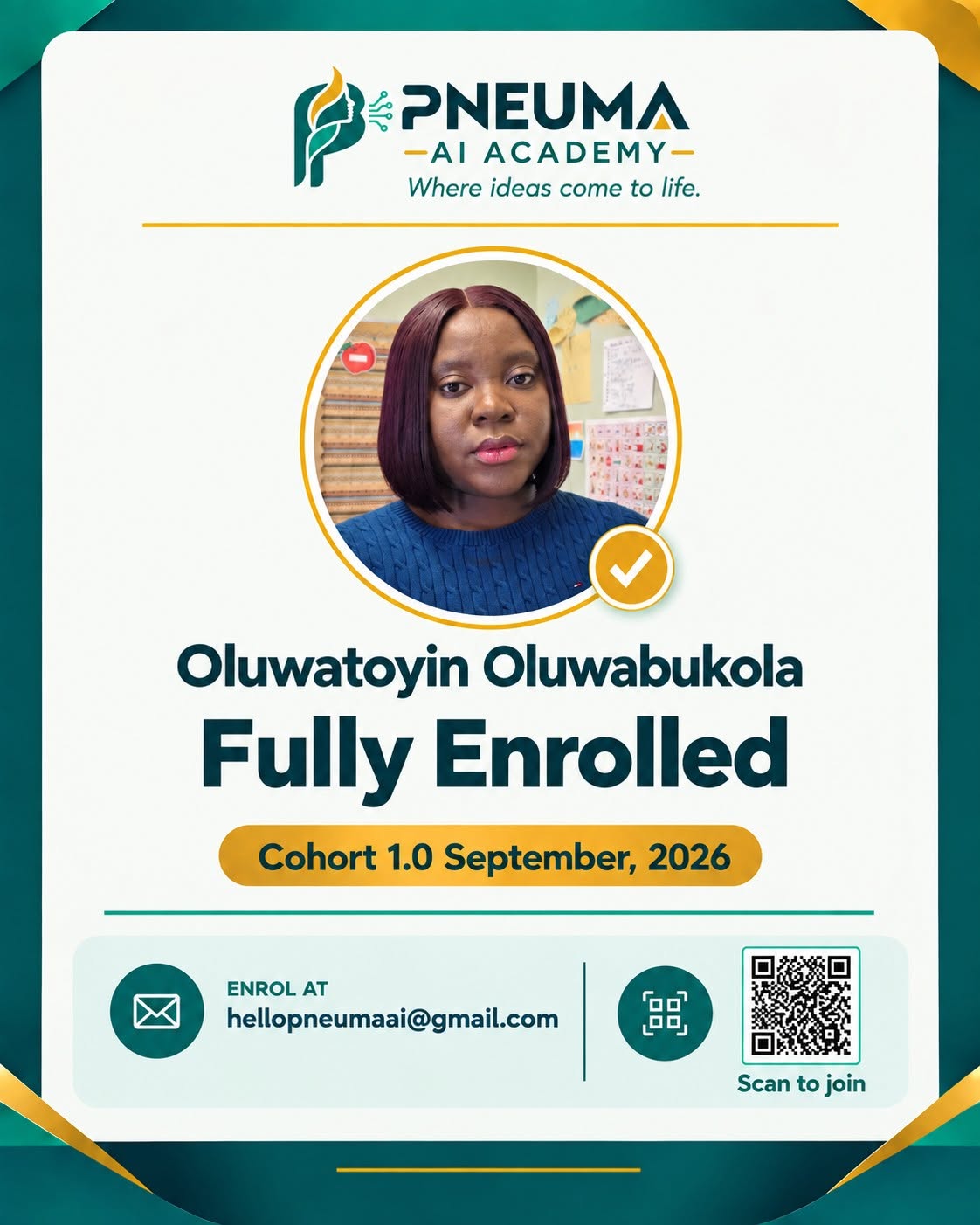
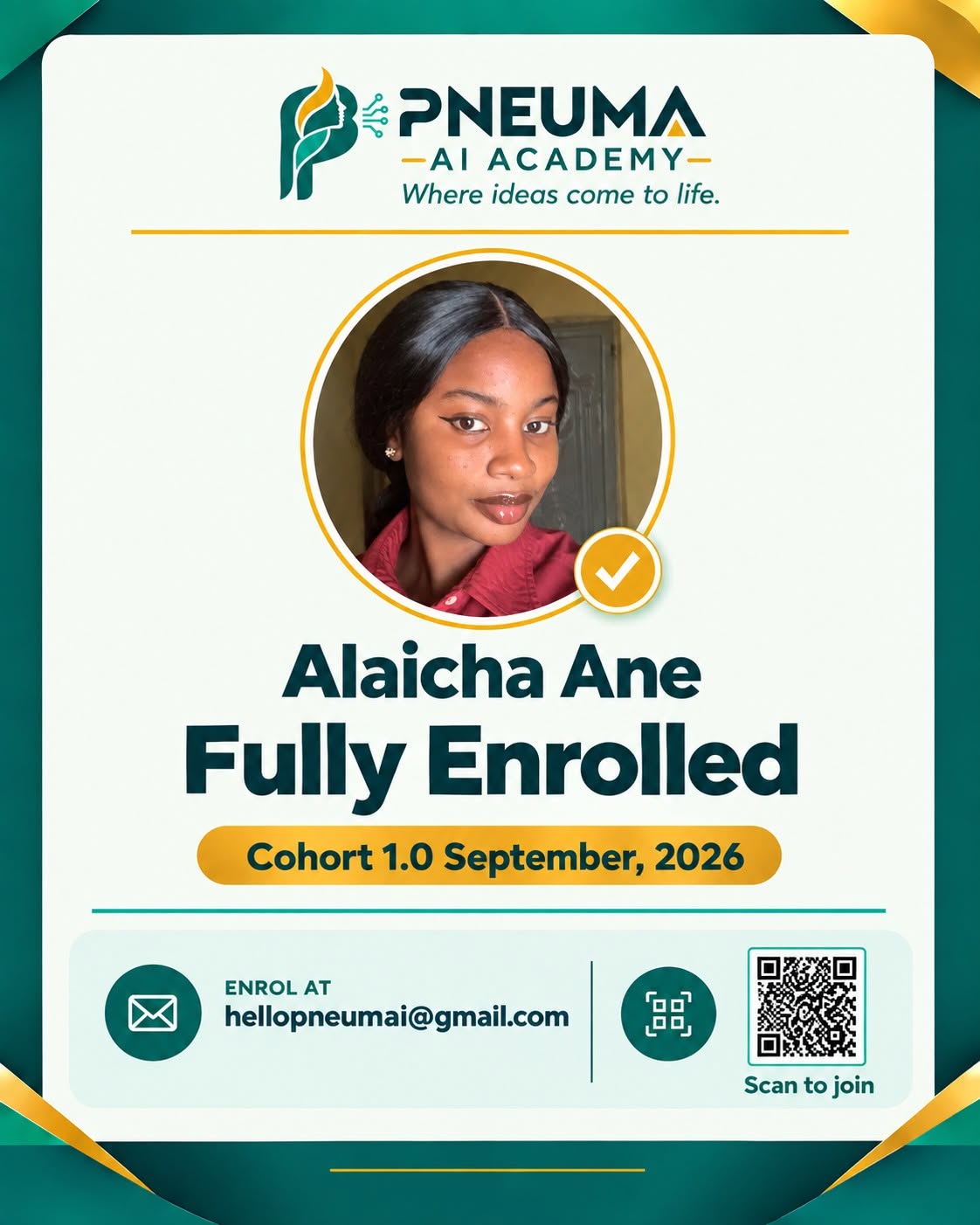
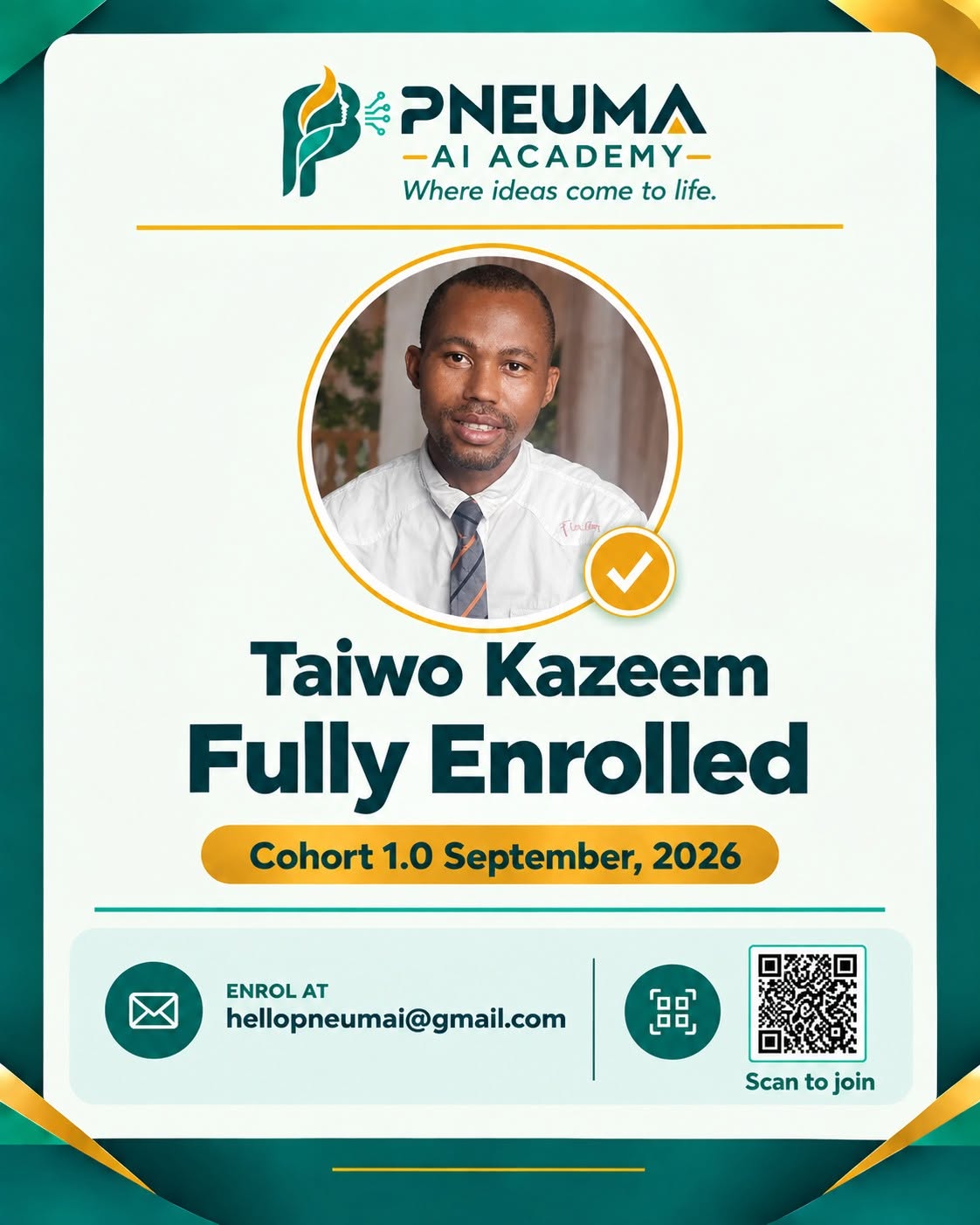
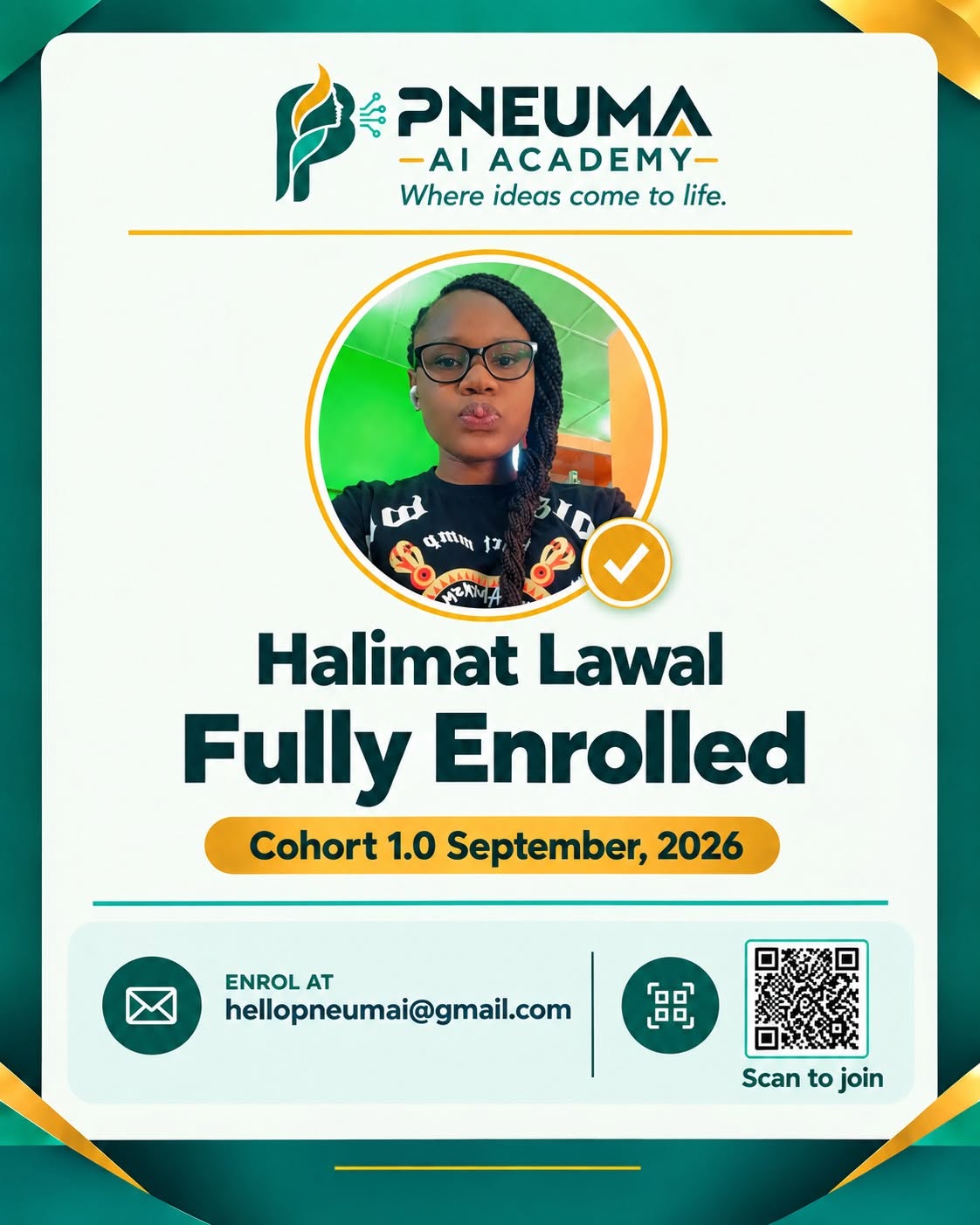
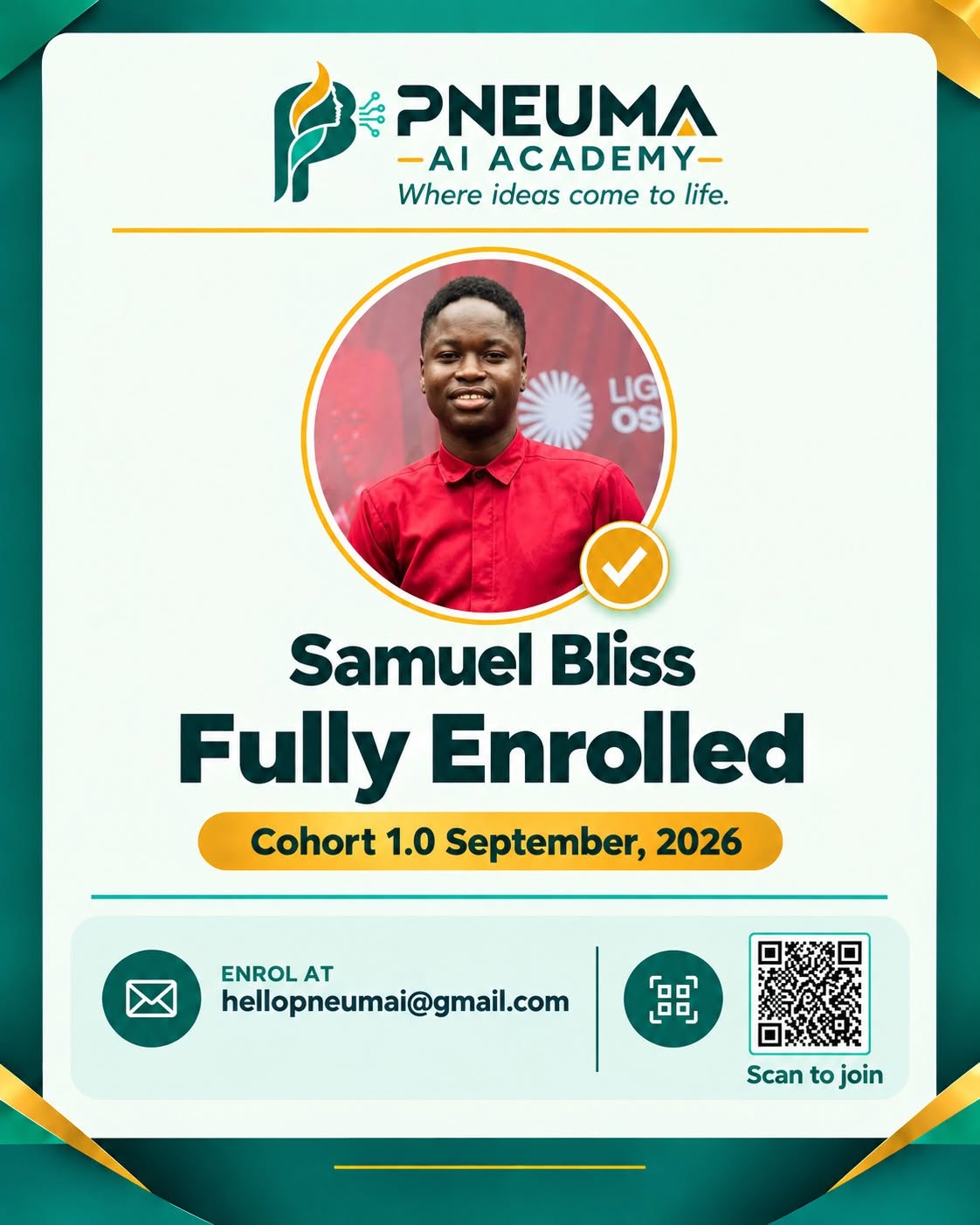
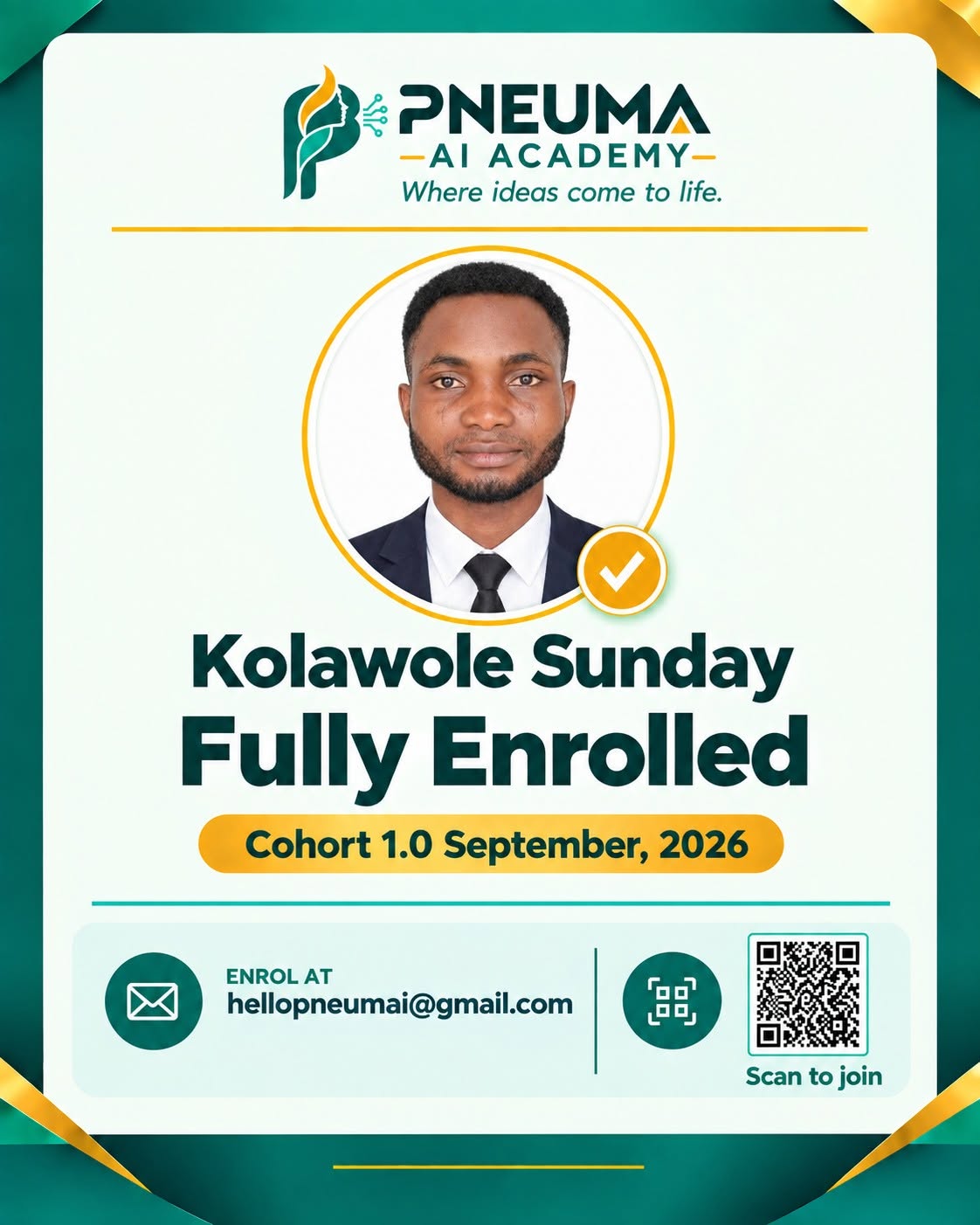
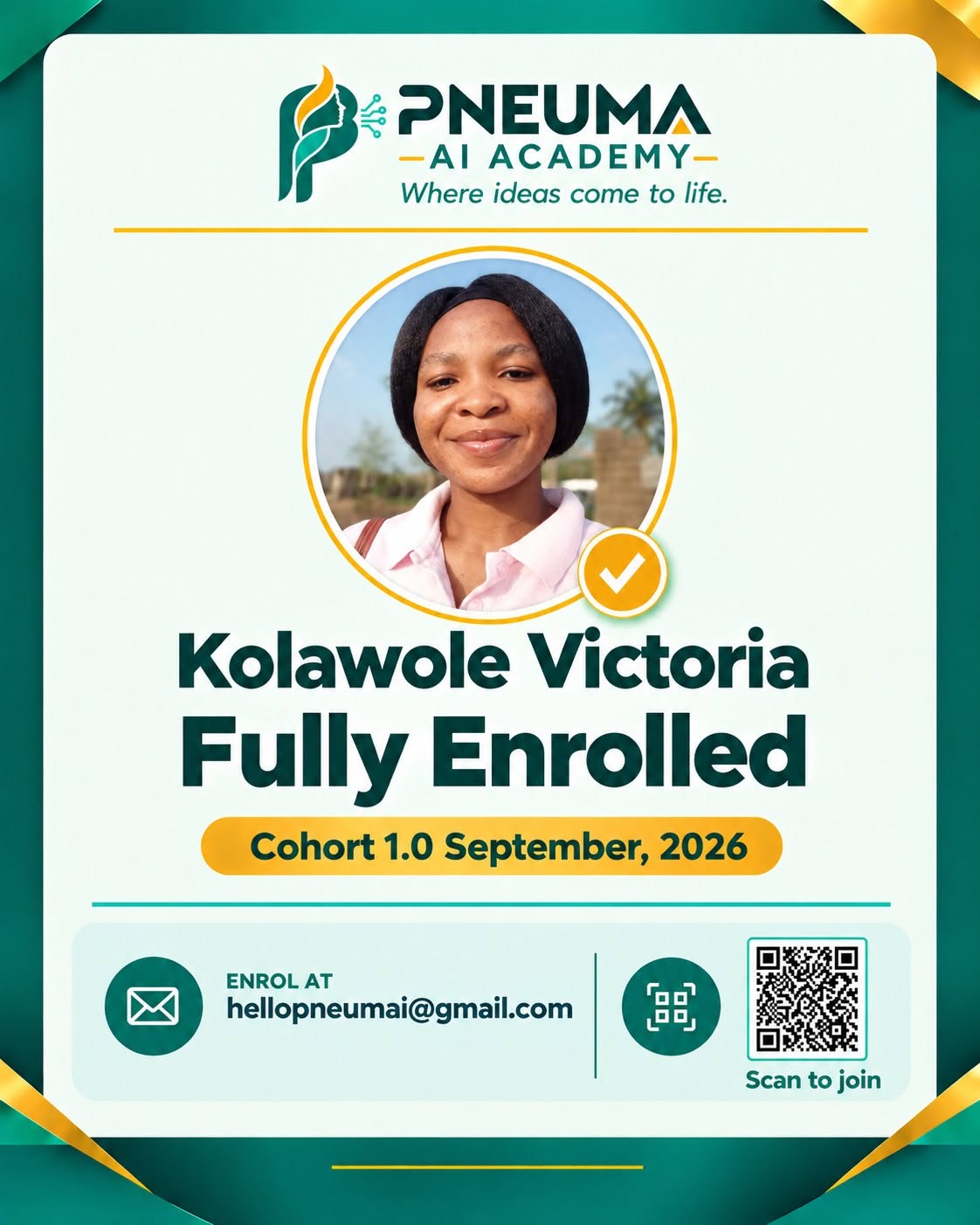
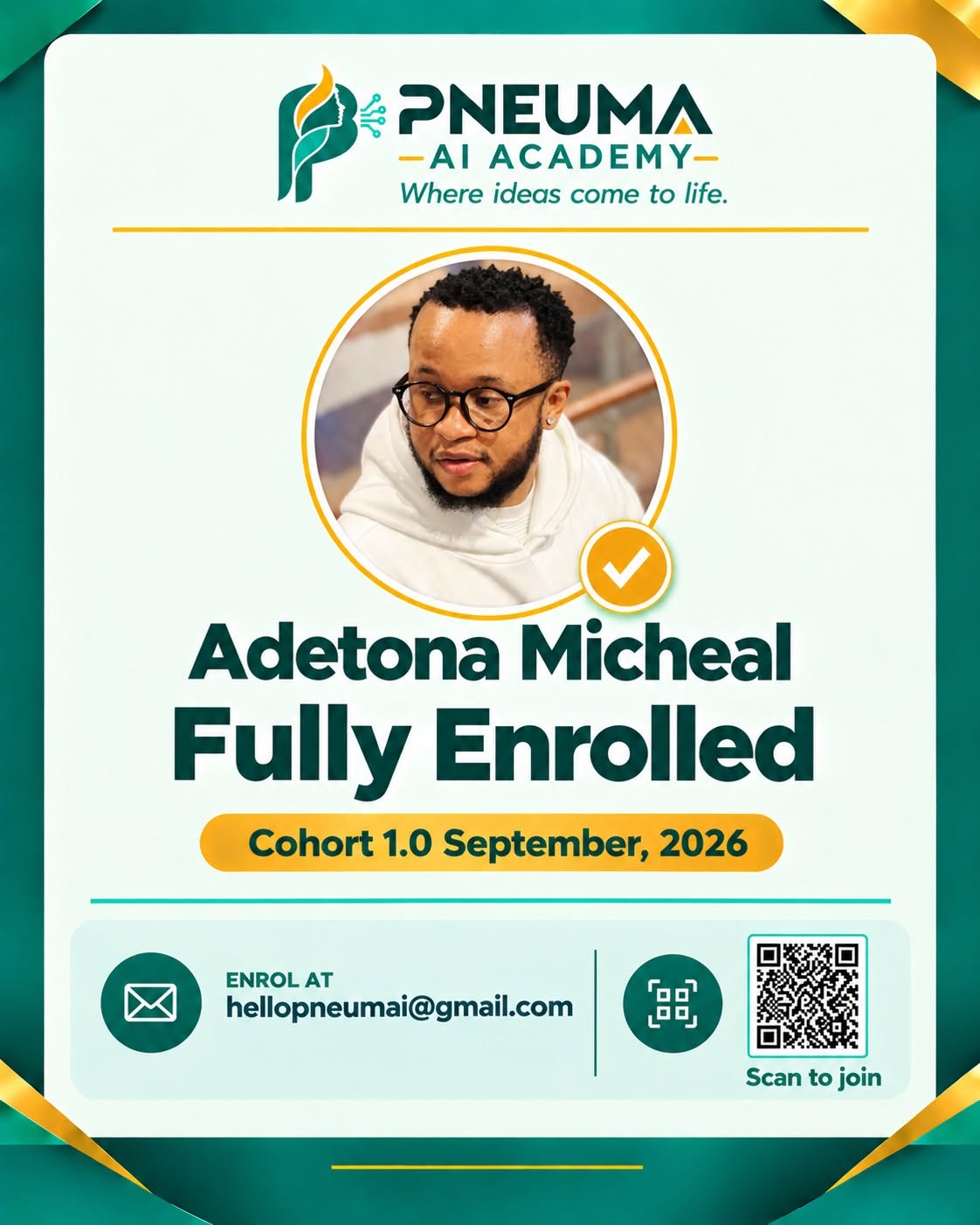
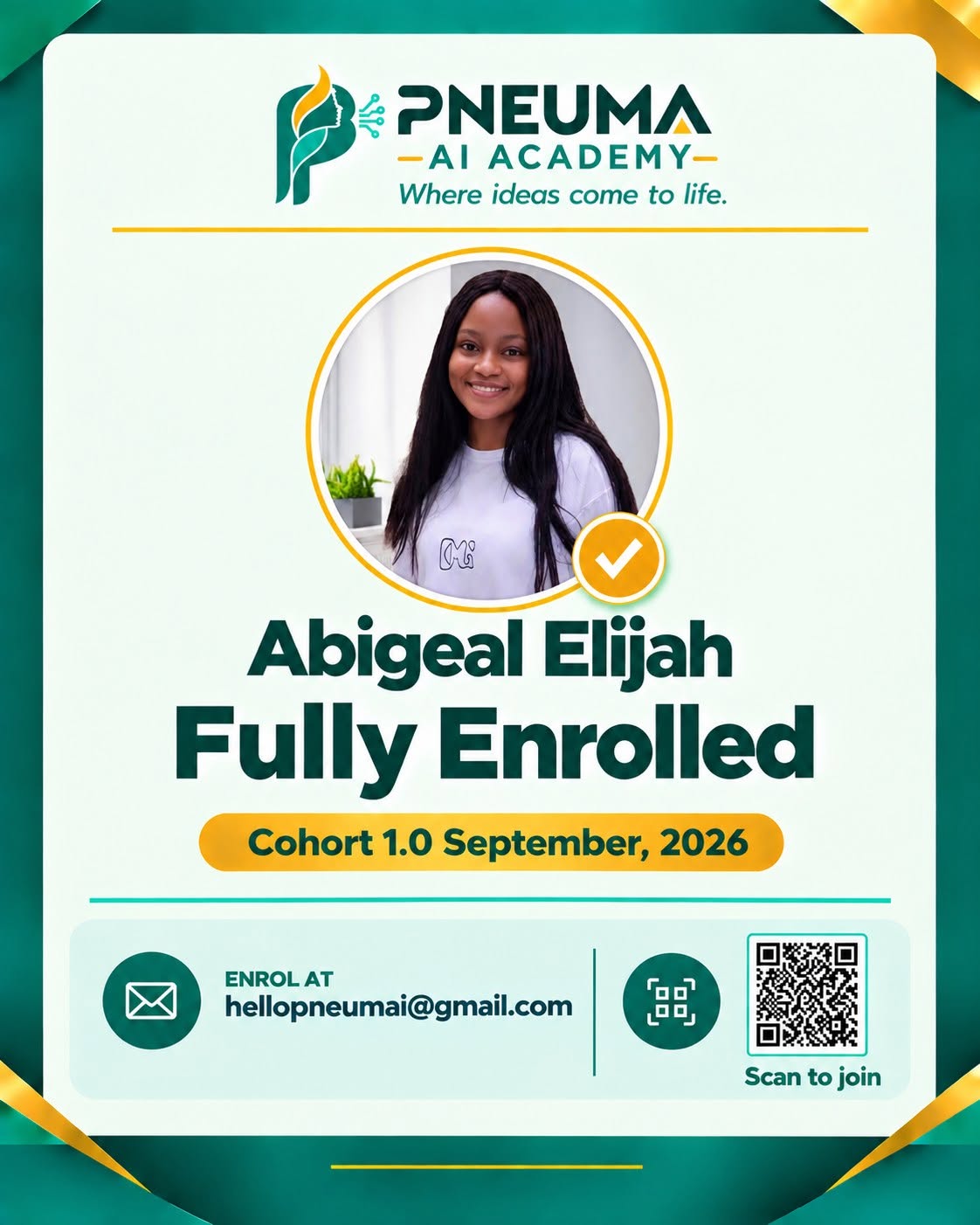
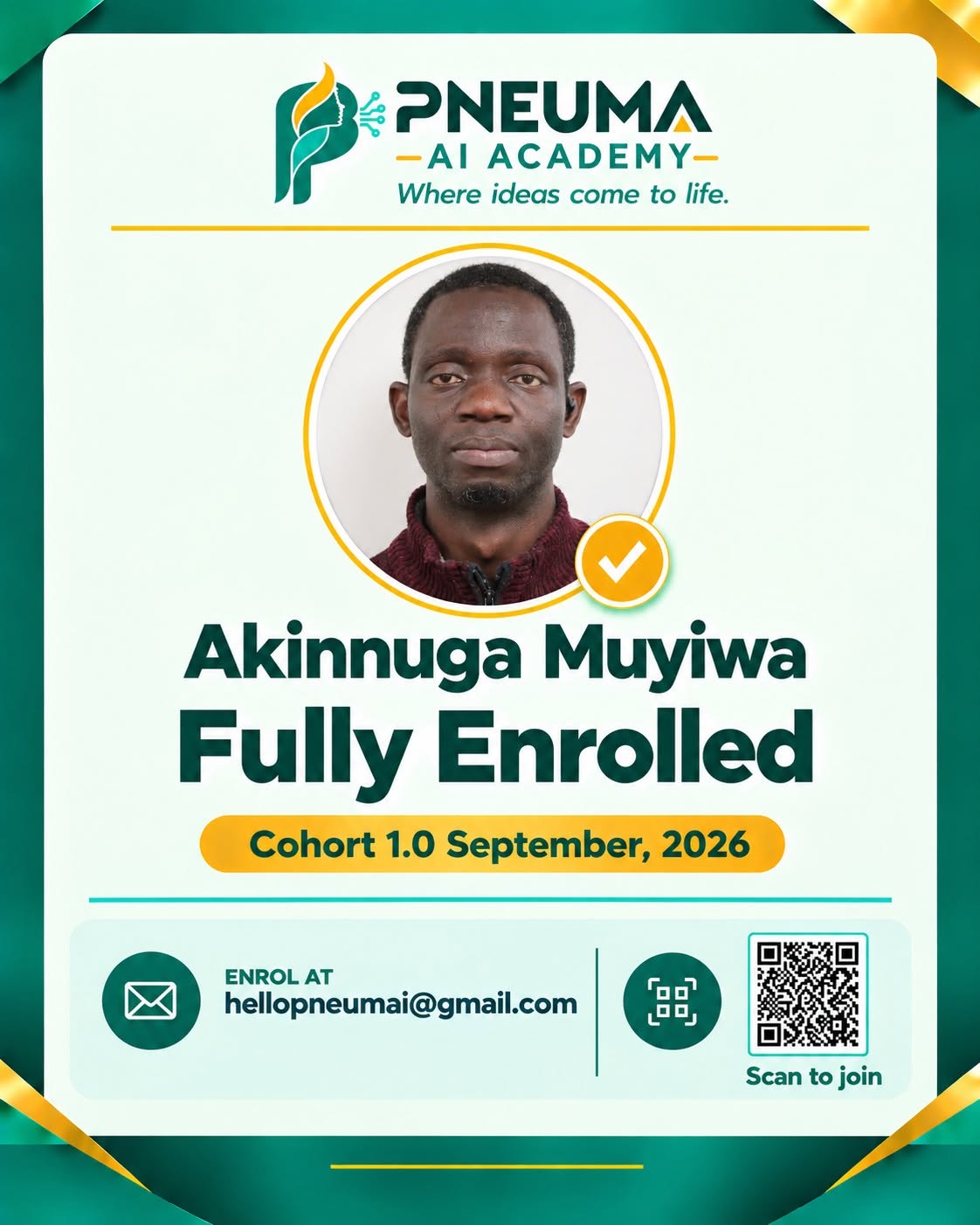
Meet the learners
who joined Cohort 1.

Cohort 1 · September 2026
Enrolled in September 2026.

Open a card to take a closer look. These cards recognise enrolment, not course completion.

Ask about joining Cohort 2

LET’S START WITH YOU

What would you like
to do with AI?

Choose the situation closest to yours. We’ll help you find a suitable course or discuss the guidance you need.

PARENTS & GUARDIANS · AGES 7–17

Help your child create
something they can explain.

You want your child to understand AI, but you also want them to think for themselves. Being able to copy an answer is not the same as knowing how it was made.

In AI Kids Academy, children and teens practise through stories, presentations, websites and video projects. Responsible use, privacy and ethics are part of the curriculum, alongside the creative work.

Explore AI Kids Academy

Projects in the kids’ curriculum

  • An illustrated storybook
  • A presentation, website and short video
  • A final project to develop and present

Enquiries for under-18s go through a parent or guardian.

STUDENTS, NYSC MEMBERS & YOUNG PEOPLE

When someone asks what you can do,
have work you can show them.

You may have watched tutorials and tried a few tools. The harder part is knowing how to bring those skills together in a project you can finish and explain.

The Adult AI Intensive gives your learning a schedule: two hours every Saturday for eight weeks. Work on your projects, revisit class recordings and use the community for support as you learn.

Explore the Adult AI Intensive

A course you can make time for

  • Live classes every Saturday
  • Recordings to revisit after class
  • Community support as you learn

Under 18? Ask a parent or guardian about AI Kids Academy.

CAREER PROFESSIONALS

You have work to get through.
Make your AI learning relevant to it.

A report to prepare. Research to organise. Another presentation to finish. AI is more useful when you understand how to give it context and judge the answer it gives you.

Bring your goals to PNEUMA and discuss how the course fits your work. Saturday classes give you a regular learning slot, with recordings available when you need to revisit a lesson.

Find a practical learning path

Bring a task you understand

  • Start with tasks you already understand
  • Think critically about AI-generated work
  • Explore useful, repeatable workflows

Adult AI Intensive: two hours every Saturday for eight weeks.

BUSINESS OWNERS

Which task keeps taking you
away from running your business?

Answering familiar customer questions, drafting content and preparing routine documents can fill your day. Before buying another tool, it helps to decide which task is worth improving.

Bring a specific business challenge to a private mentorship conversation. We can discuss your starting point, the result you want and the guidance required before you choose a package.

Discuss your business challenge

Choose the problem before the tool.

  • Identify a repetitive task worth improving
  • Consider customer privacy and reliability
  • Define a useful result before investing

Start with a focused Clarity Session or discuss ongoing mentorship.

ENTREPRENEURS & FREELANCERS

You have the idea.
Work out how to build the first version.

Choosing what to build first can be harder than coming up with the idea. You need a manageable project, a reason for choosing each tool and a way to test whether the result is useful.

Discuss your idea with Samuel. Private mentorship is available for a specific goal, while the Adult AI Intensive offers a structured course if you want to develop your skills first.

Explore mentorship for your idea

Start with a manageable project

  • Clarify the problem your idea solves
  • Explore a manageable first version
  • Think beyond building to real use

A project is a way to test an idea. Commercial success is never guaranteed.

WHY CHOOSE PNEUMA

A lesson makes more sense
when you try it yourself.

A demonstration can make a tool look simple. Using it on your own is where the questions begin. PNEUMA combines live teaching with project work, recordings and community support, so the learning continues after class.

01

AI AS ACCESS TO BUILDING

Put the lesson into practice.

Use what you are learning in a project. Working through the task helps you see what you understand and where you need more help.

Project work is part of the learning.
02

AI AS ACCESS TO DEPLOYMENT

Understand how your work will be used.

Building and deployment are central to PNEUMA’s approach. Consider who your project is for, how they would use it and what needs checking before you share it.

Build with a purpose and review the result.

PICTURE THE POSSIBILITIES

Give your learning
something to work towards.

The kids’ curriculum includes creative projects. Adults can discuss project fit with the academy. These illustrations show possible directions, not completed learner work.

An illustrated storybook.

In the kids’ curriculum: combine AI-assisted writing and illustrations in a three-page storybook.

An AI-assisted work process.

For a professional or owner: explore a repeatable workflow, with human review where it matters.

A simple website.

In the kids’ curriculum: build a personal portfolio or school project website with AI assistance.

YOUR LEARNING JOURNEY

From “how does it work?”
to “look what I made.”

A learning process built around doing. Explore each stage.

Concept illustration of a learner exploring an idea with a tutor

01 / DISCOVER

Start with a question.

What would you like to make, understand or improve? Choose a programme that fits your age, starting point and goal.

Find your programme ↗
Concept illustration of a learner practising an AI prompt

02 / PRACTISE

Make the lesson your own.

Join the live teaching on Google Meet. Try the activities, revisit recordings and bring your questions to the learning community.

Find your programme ↗
Concept illustration of building a website

03 / CREATE

Give your idea a first version.

Work on a practical project. In the kids’ curriculum, that can mean a storybook, presentation, website or video.

Find your programme ↗
Concept illustration of a tutor reviewing a learner project

04 / REVIEW

Explain it. Improve it.

Develop and present your work. Completed, approved projects are a requirement for certification. Confirm your programme’s full assessment requirements.

Find your programme ↗
See how the learning fits together
WHAT LEARNING LOOKS LIKE
01 / YOUR STARTING POINT

“I have an idea.
How do I build it?”

your-next-idea.project
LEARNING THROUGH PROJECTS
Learn it.
Try it.
Build with it.
Need to revisit a lesson?Your recordings are available.

PROJECT COMPLETION AND APPROVAL ARE REQUIRED FOR CERTIFICATION.

WHAT COMES WITH YOUR LEARNING

You don’t have to
figure it all out alone.

Learn in live classes, revisit the lessons and use the community for support while you work on your projects.

01

Live teaching

Join live classes on Google Meet, then put what you learn into practice. Kids Academy students have Saturday review sessions to revisit their work.

02

Recordings to revisit

Go back to a lesson when you need to hear an explanation again or review a step while working on a task.

03

Community support

Use the learning community for support between classes. Getting stuck does not have to mean giving up on the work.

04

Projects that count

Certification requires completed, approved project work. Attending the classes alone does not meet that requirement.

CHOOSE YOUR NEXT STEP

Choose a programme
for yourself or your child.

Adults and children have different learning needs. Here are the course options, with private mentorship available for a specific project or goal.

FOR GROWING MINDS 02

AI Kids
Academy

Help your child understand AI by making things with it: stories, presentations, websites and videos, with responsible use included throughout the curriculum.

Ages 7–17Registration: 1 July 2027
₦15,000 application fee

Plus ₦5,000 per month for the one-year programme. Twelve monthly payments total ₦60,000; with the application fee, the total is ₦75,000.

  • 8 practical modules, from AI basics to a final project
  • Stories, presentations, websites and video creation
  • Responsible AI use, privacy and ethics
  • Classes twice a week
  • One-year mentorship programme

Explore all 8 modules

Ask about the kids’ course
FOR A SPECIFIC AMBITION 03

Private AI
Mentorship

Get focused guidance around a project or challenge. Discuss your goal with Samuel and agree what the mentorship will cover before booking.

Personal guidanceGoal-focused
Custom pricing

Tell us your goals and we’ll recommend a tailored mentorship plan and quote.

  • Clarity Session
  • Monthly Mentorship: 4 sessions
  • 90-Day Transformation option
Enquire about mentorship

Your quote is based on your goals, scope and support needs.

THE ADULT AI COURSE OUTLINE

See what you’ll learn.
Imagine what you’ll build.

Go from understanding generative AI to creating content, building applications and automating work. Explore the complete nine-module curriculum before choosing your next step.

9 modulesPractical activities & project goalsFoundations to advanced applications

Select a module to explore it. The longer modules have individual course dropdowns, so you can read one topic at a time.

01FOUNDATIONSUnderstanding Generative AI

Core foundations and practical learning activities

Topics covered

  • What Generative AI is and how it works.
  • How to use generative AI in business and the workplace.

Practical activity

Use the 'AI Workflow Framework' to identify opportunities for using AI in your work and business.

02FOUNDATIONSGetting Started with AI Tools

Core foundations and practical learning activities

Topics covered

  • How to choose the Generative AI tool to use – ChatGPT, Perplexity, Claude, Gemini.
  • How to set up an account on Generative AI platforms.
  • How to create your first output – Text Generation, Image Creation, Video Creation

Practical activity

Create an AI output in text, picture, and video

03FOUNDATIONSPrompt Engineering

Core foundations and practical learning activities

Topics covered

  • Introduction to prompt engineering for beginners
  • Advanced prompt engineering frameworks to get the best quality of results.
  • How to build a Prompt Library for your work or business.

Practical activity

Use your 'prompt stack' to create high quality AI outputs.

04INTERMEDIATE | 12 COURSESAI Video Generation

Which tools to use, what they cost, and how to make the content people are asking for.

COURSE 01AI Image and Video — What to Use and What It Costs

Which tool for images, video, avatars, voice, music and editing. What one finished piece actually costs. Choosing a starter stack you can afford.

Lesson topics

  • Which tool for image, video, avatar, voice, music and editing
  • Choosing a model inside a platform
  • Subscriptions versus credits versus pay per generation
  • What one finished image or video actually costs
  • Planning tests and revisions without wasting credits
  • Choosing a starter stack you can afford
COURSE 02Creating Realistic Product Images

Turn one product photo into studio shots, lifestyle shots, ghost mannequin shots and campaign visuals.

Lesson topics

  • Preparing the product reference
  • Studio shots on clean backgrounds
  • Lifestyle and in-use shots
  • Ghost mannequin shots for clothing
  • Building a full product image set for a campaign
COURSE 03Creating Realistic AI Images with Consistent Characters

Natural faces, skin, lighting and hands, a locked character that stays recognizable, and an AI influencer built on it.

Lesson topics

  • What makes an AI image look fake
  • Prompting for natural skin, lighting and hands
  • Writing the character sheet and locking the face
  • Changing outfits and locations without losing the face
  • Designing the influencer personality and pages
  • Producing the first month of posts
  • Ways an AI influencer makes money
COURSE 04Turning Images into Realistic AI Videos

Camera movement, motion prompts and references so your images become videos that hold together, planned with a storyboard prompt in Claude.

Lesson topics

  • Choosing the right image to animate
  • Writing the storyboard prompt in Claude
  • Writing motion and camera prompts
  • Using start and end frames
  • Keeping the video from warping
  • Extending and stitching clips
COURSE 05Character Transfer and Motion Transfer

Put your locked character into a scene, or transfer a real performance clip onto them.

Lesson topics

  • Placing your character into a new scene
  • Transferring movement from a real clip
  • Keeping the face consistent through the transfer
  • Fixing common failures
COURSE 06Creating AI UGC Videos and Product Ads

Creator-style testimonials, product demos and short ads with a hook, a message and a call to action.

Lesson topics

  • Writing the hook, the message and the call to action
  • Creating the AI creator holding the product
  • Product demos and unboxings
  • Making three versions of the same ad
  • Editing and exporting for ads
COURSE 07Creating AI Short Dramas and 3D Stories

Script, characters, connected scenes, voices and a finished episode.

Lesson topics

  • Writing a short script
  • Creating the characters
  • Generating connected scenes
  • Adding voices and sound
  • Assembling the finished episode
COURSE 08Creating an AI Clone of Yourself

Your own avatar and voice with HeyGen and ElevenLabs, then talking-head content you never had to film.

Lesson topics

  • Recording the footage and audio the clone needs
  • Cloning your voice
  • Creating your avatar
  • Producing talking-head videos from a script
  • Keeping it looking like you
COURSE 09How to Edit Videos with Claude

Take existing footage, plan the edit with Claude, create the supporting assets and finish a short video.

Lesson topics

  • Organizing your footage and getting transcripts
  • Planning the edit with Claude
  • Removing pauses and unnecessary sections
  • Turning long videos into short clips
  • Creating captions, titles, motion graphics and supporting visuals
  • Cutting and assembling with the connected editing tools
  • Exporting for each platform
COURSE 10How to Edit Videos with ChatGPT

The same editing workflow, this time with ChatGPT and its connected tools.

Lesson topics

  • Organizing your footage and transcripts
  • Planning the edit with ChatGPT
  • Removing pauses and unnecessary sections
  • Turning long videos into short clips
  • Creating captions, titles and supporting visuals
  • Cutting and assembling with the connected tools
  • Exporting for each platform
COURSE 11Build a Marketing Creative Studio Inside ChatGPT

Go from audience research and messaging to images, video, audio and one assembled mini campaign, all from ChatGPT and its connected tools.

Lesson topics

  • Researching the audience and setting the message
  • Writing the campaign copy
  • Creating the images with ChatGPT and connected tools
  • Creating the video
  • Adding voiceover and audio
  • Assembling the mini campaign
COURSE 12Build a Marketing Creative Studio Inside Claude

The same campaign workflow, run from Claude with Higgsfield and its other connected tools.

Lesson topics

  • Setting up Claude with Higgsfield and the tools the campaign needs
  • Writing the campaign copy
  • Creating the images from Claude
  • Creating the video
  • Adding voiceover and audio
  • Saving the workflow as a Skill so the next campaign is faster

What you build

  • A product image set
  • An AI influencer page
  • A product ad
  • One short AI drama
  • One AI mini campaign
05INTERMEDIATE | 5 COURSESWeb Applications

Build websites and apps people would pay for, then get them in front of users.

COURSE 01Vibecoding & Building Websites — Tools, Cost and Setup

The setup before you build anything.

Lesson topics

  • Vibe coding 101: what it is and what it is not
  • Emergent, Lovable and Replit compared
  • What each one costs and where the credits go
  • Setting up your accounts, GitHub and a deployment target
  • Choosing the right tool for your first paid build
COURSE 02Introduction to Codex

A business website a client would pay $10k for, built with Codex and deployed live.

Lesson topics

  • Setting up Codex and ChatGPT sites
  • Writing the brief for a website a client would pay $10k for
  • Finding design inspiration and turning it into a brief
  • Building the pages
  • Adding animations and polish
  • Adding the enquiry form and making it send
  • Deploying and connecting your domain
COURSE 03Introduction to Claude Code

The same build on the Claude side, from the terminal, with design, animations and inspiration.

Lesson topics

  • Installing Claude Code and setting up your project
  • Planning the site with a PRD
  • Finding design inspiration and turning it into a brief
  • Building and previewing the pages
  • Adding animations and polish
  • Fixing bugs by asking
  • Deploying with Vercel and connecting your domain
COURSE 04Build an AI Web App in the Terminal

Move from a website into actual software: an app with accounts, saved data, payments and one AI feature.

Lesson topics

  • Setting up VS Code or Cursor with Claude
  • Turning an idea into a web app and planning the features first
  • Frontend and backend basics
  • Adding a database and login
  • Adding payments with Paystack or Stripe
  • Adding one AI feature with the Claude API
  • Deploying on Cloudflare and moving from prototype to something real users can use
COURSE 05Mastering App Distribution

Getting the thing you built in front of people who will pay for it.

Lesson topics

  • Finding your first paying users
  • SEO basics for a new site or app
  • Landing page and copy that converts
  • Promotion: content, communities and outreach
  • Tracking what works and doing more of it

What you build

  • A live business website
  • A working AI web app with accounts and payments
  • Your first paying users
06INTERMEDIATE TO ADVANCED | 5 COURSESAI Automation

Build automations that run without you.

COURSE 01Workflows vs Automations vs Agents

Look at a task or business problem and decide whether it needs a workflow, an automation, an agent, or a combination, using a routine as the first example.

Lesson topics

  • What each one is and what it is good at
  • Schedules and routines as your first automated workflow
  • Cost, reliability and control for each
  • Deciding for five real business problems
  • Choosing the build for your own project
COURSE 02Build a Practical Workflow Automation

A complete workflow that joins the call, captures it, writes the notes and drafts the follow-up before you've closed the tab.

Lesson topics

  • Setting up auto-join for your meetings
  • Capturing the transcript and dictation with Wispr Flow
  • Turning the transcript into notes and action items
  • Drafting the follow-up for your approval
  • Filing the notes where your team can find them
COURSE 03Create an Automated Workflow with Claude or ChatGPT Skills

Put the Operator pieces together into one workflow that runs on a schedule without you.

Lesson topics

  • Choosing a recurring task worth automating
  • Building the Skill that does the work
  • Connecting the apps it needs
  • Putting it on a routine or schedule
  • Testing it for a week and fixing what breaks
COURSE 04Build Your First Automation with n8n and Claude

Set up n8n, connect a trigger to several actions, put Claude in the middle and test the whole thing, then repeat the pattern on three business builds.

Lesson topics

  • Setting up n8n
  • Triggers, actions and how nodes connect
  • Building a workflow with one trigger and three actions
  • Adding a Claude step and using its response in the next action
  • Example build: a content generation system that turns one idea into posts for every platform
  • Example build: an automatic proposal generator from call notes
  • Example build: invoice and payment collection
  • Testing with real data and adding a failure alert
COURSE 05Lead Capture and Follow-Up

Connect a live site to n8n so every enquiry is logged and followed up without you.

Lesson topics

  • Sending a form submission into n8n with a webhook
  • Saving the submission to a sheet or CRM
  • Writing the follow-up with Claude
  • Approving the follow-up before it sends
  • Sending the confirmation and the follow-up
  • Testing the flow on the live site

What you build

  • A meeting workflow
  • A scheduled Skill workflow
  • One n8n automation with a Claude step
  • A live lead capture system
07ADVANCED | 5 COURSESAI Agents

Build agents that hold context, use tools and complete jobs for people and businesses.

COURSE 01Build a Voice Agent Customer Assistant

A phone agent that answers questions from business information and hands over to a person when it cannot resolve something.

Lesson topics

  • Setting up the phone number and voice
  • Loading the business information the agent answers from
  • Handling the common questions
  • Transferring to a person when it cannot resolve something
  • Testing calls and tracking cost per call
COURSE 02Build a WhatsApp AI Agent

An agent that answers messages, collects information and completes one defined job, such as handling enquiries or taking orders.

Lesson topics

  • Setting up the WhatsApp connection
  • Giving the agent its job and its business information
  • Collecting information from the customer step by step
  • Completing the job: an enquiry, an order or a booking
  • Handing over to a person when it gets stuck
  • Testing with real conversations and tracking cost
COURSE 03Introduction to Advanced Agents

What a personal agent actually does, how Hermes and Grokbot differ, and how to decide if you need one.

Lesson topics

  • How agent systems work
  • What Hermes is for and what Grokbot is for
  • What each one costs to run
  • Giving an agent a multi-step job and watching it complete it
  • Deciding whether an agent is for you or an automation would do
COURSE 04The Hermes Agent Deep Dive

Install Hermes, give it tools and permissions, and talk to it from WhatsApp or Telegram.

Lesson topics

  • Installing and configuring Hermes
  • Giving the agent tools and setting permissions
  • What it must never do on its own
  • Connecting it to WhatsApp or Telegram
  • Adding memory so it remembers context
  • Running a full job from your phone
COURSE 05The Grokbot Agent Deep Dive

Set up Grokbot so it runs continuously, watches for what you care about and acts on it.

Lesson topics

  • Setting up Grokbot
  • Giving it tools and a standing job
  • Keeping it running always-on
  • Getting updates and results back to you
  • Where it beats Hermes and where it does not

What you build

  • A voice agent
  • A WhatsApp agent
  • A personal agent you can talk to from your phone
08ADVANCED | 5 COURSESLocal AI

Run AI on your own laptop and phone, and know what your hardware can handle.

COURSE 01Local AI — What Can Run on Your Laptop or Phone

What local means, which models fit your RAM and storage, download sizes, speed versus quality, and when a workflow still needs the internet.

Lesson topics

  • What local AI means and why people want it
  • Checking your RAM, storage and graphics card
  • Choosing a model size that fits your device
  • Download sizes and running costs
  • Speed versus quality trade-offs
  • When a workflow still needs an online service
COURSE 02Run Local AI Models with LM Studio

Install a model, chat with it and test it on your real tasks.

Lesson topics

  • Installing LM Studio
  • Downloading and loading a model
  • Chatting with it and adjusting settings
  • Testing it on your real tasks
  • Using it with your own documents
COURSE 03Run Local AI Models with Ollama

Set up a model and connect it to an app, a script or an n8n workflow.

Lesson topics

  • Installing Ollama and pulling a model
  • Running it from the terminal
  • Connecting it to an app or script
  • Using it inside an n8n workflow
  • Swapping models for different tasks
COURSE 04Create AI Images and Videos with ComfyUI

Install it, understand nodes and run image and video workflows on your own machine.

Lesson topics

  • Installing ComfyUI and downloading models
  • Understanding nodes and how they connect
  • Running your first image workflow
  • A product image workflow with reference images
  • A consistent character workflow
  • Running a video workflow and what your hardware can handle
COURSE 05Run AI on Your Phone

Pick an app and a model, test on-device tasks and understand storage, battery and offline limits.

Individual lessons are not available in the source document.

What you build

  • A working local AI assistant
  • One reusable ComfyUI workflow
09BUSINESS APPLICATION | 4 COURSESMonetization

Turn what you can make into services and products people pay for.

COURSE 01Choosing an AI Service You Can Sell

Pick one: product images, UGC ads, websites, automations, WhatsApp agents or voice agents. Test it with real conversations before committing.

Lesson topics

  • The services people actually pay for right now
  • Matching a service to what you can already make
  • Talking to five potential buyers before you commit
  • Choosing one service to start with
COURSE 02Package and Price Your AI Services

Deliverables, production costs, revisions, support and the price. Scope it like a studio, not a freelancer guessing.

Lesson topics

  • Defining exactly what the client gets
  • Working out your production cost per project
  • Setting revisions, timelines and support
  • Writing the offer document
COURSE 03Find Clients, Send Pitches and Close Projects

Where the buyers are, how to write a pitch that gets a reply, running the discovery call and sending the proposal.

Lesson topics

  • Where your buyers are
  • Updating your portfolio with client-ready examples and demos
  • Writing a pitch that gets a reply
  • Running the discovery call
  • Sending the proposal and the follow-up
  • Closing, and what to do when they say no
COURSE 04Sell Templates, Skills and Automations as Digital Products

Package a reusable resource with instructions and examples, write the sales page and launch it.

Lesson topics

  • Choosing what to package
  • Adding instructions and examples so it works without you
  • Writing the sales page
  • Setting up payment and delivery
  • Launching to your audience

What you build

  • A published offer
  • A sales portfolio
  • An active outreach process

Make your next skill a practical one.

Explore the programme fee and enrolment options, or speak with us about your starting point.

The projects and business outcomes in this outline are learning goals, not guarantees of clients or earnings.

INSIDE AI KIDS ACADEMY · AGES 7–17

A storybook. A website. A video.
Work your child can show you.

Each module includes an activity, from writing a short story to presenting an original project. Children and teenagers practise using AI while learning to think about the choices they make.

01Introduction to Generative AI
  • What is AI and how does it work?
  • Understanding Generative AI and its capabilities.
  • Real-world applications of AI in education, business, and everyday life.

Practical activityIdentify five AI applications used in everyday life.

02Getting Started with AI Tools
  • Exploring ChatGPT, Gemini, Claude, and Perplexity.
  • Learning to access and navigate age-appropriate AI tools safely.
  • Generating your first AI text and images.

Practical activityCreate a short story using an approved AI tool.

03Prompt Engineering
  • Understanding prompts and how to communicate with AI.
  • Writing clear and effective AI instructions.
  • Learning beginner and advanced prompting techniques.

Practical activityWrite and improve three AI prompts to generate better results.

04AI for Content Creation
  • Creating stories, articles, and engaging written content.
  • Generating creative images and digital illustrations.
  • Combining AI-generated text and images for storytelling.

Practical activityCreate a three-page illustrated AI storybook.

05AI for Learning & Productivity
  • Using AI for research, learning, and problem-solving.
  • Writing emails, summarizing notes, and creating reports.
  • Designing presentations and organizing daily tasks.
  • Using AI to develop project and business ideas.

Practical activityCreate a five-slide presentation on a topic of your choice.

06Website Development with AI
  • Understanding how websites work.
  • Designing websites using AI-powered tools.
  • Building and customizing a simple website.
  • Introduction to website publishing and online safety.

Practical activityBuild a simple personal portfolio or school project website.

07AI Video Creation & Editing
  • Introduction to AI-powered video generation.
  • Creating video scripts, scenes, and storyboards.
  • Generating voiceovers, animations, and video clips.
  • Editing videos using AI-powered tools.

Practical activityCreate a 30–60-second educational or storytelling video.

08AI Innovation & Final Project
  • Using AI to solve real-world problems.
  • Exploring AI creativity, innovation, and entrepreneurship.
  • Understanding responsible AI use, privacy, and ethics.
  • Developing and presenting an original AI-powered project.

Practical activityBuild and showcase a final AI project using skills learned throughout the course.

MESSAGES FROM ADULT COHORT 1

What learners said
after class.

HEAR IT IN THEIR OWN WORDS

Hear from parents and kids
who have learned with PNEUMA.

Hear parents and children describe their experience with PNEUMA. Watch their video testimonials right here on the page.

Testimonial 01

Play video above

Testimonial 02

Play video above

Testimonial 03

Play video above

Testimonial 04

Play video above

Use the player controls to watch here or expand to full screen. These are parents’ and children’s personal experiences; individual outcomes vary.

THE PEOPLE BEHIND PNEUMA

Meet your academy’s team.

Teaching, community, and creativity—working together to bring ideas to life.

Samuel Oladapo, Founder & AI Educator at PNEUMA AI Academy

Founder & AI Educator

Samuel Oladapo

Making AI simple, practical, and accessible—helping learners bring their ideas to life.

Read full biography

Samuel Oladapo started his AI journey with a problem. He had a head full of ideas worth building, but no access to the right tools, the right information, or the money and expertise that turning ideas into reality usually demands. AI changed that for him. It gave him a way to move from idea to something real, and he became convinced that nobody should be locked out of that access.

That conviction is why he teaches. Too many people are confused about what AI actually is, and Samuel chose to pay the price of making it as simple and practical as possible. Across his classes, students learn by doing, and they leave with skills they can use in their work, business, or career.

He founded Pneuma AI Academy on a simple idea. Pneuma means breath and life. An idea is only a thought until it gets the right technology and the right approach to bring it to life. Pneuma AI Academy exists to provide both.

Samuel holds a Higher National Diploma (HND) in Accounting, and is certified in AI Fluency Framework and Foundation (Claude Academy and Anthropic) and as a Vibe Code Engineer (AIPEERS Academy). He holds a Certified AI Literacy Academy credential from AI Literacy Academy.

He has trained over 100 learners across AI Kids Academy, adult masterclasses, and private coaching in under six months. He has also led an AI session for corps members at the Nigeria Christian Corpers Fellowship (NCCF). His goal is to make AI simple, practical, and accessible.

Blessing Veracious, Community Manager at PNEUMA AI Academy

Community Manager

Blessing Veracious

Nurturing meaningful connections, personal growth, and purposeful living in our community.

Read full biography

Blessing Veracious is a faith writer, speaker, entrepreneur, and creative professional passionate about raising a generation of purposeful, confident, and spiritually grounded young people.

As our Community Manager, Blessing is dedicated to nurturing meaningful connections and inspiring young people to pursue personal growth, live out their faith beyond the church walls, and apply biblical wisdom to everyday decisions.

An accountant and business and finance professional, AI creative, fashion designer, and CEO of Bleeze Confections N Treats, Blessing brings a unique blend of creativity, professional insight, and a heart for purposeful living to the community.

Christy Henry, Social Media Manager at PNEUMA AI Academy

Social Media Manager

Christy Henry

Connecting people through creative storytelling, content strategy, and purposeful digital communication.

Read full biography

Content Strategist · Creative Storyteller · Youth Development Advocate

Christy Henry is a digital media professional, creative storyteller, and social impact advocate with over four years of experience in social media management, content strategy, video production, and brand communication.

As our Social Media Manager, Christy brings a unique blend of creativity, strategic thinking, and storytelling expertise to strengthening our digital presence, fostering meaningful audience engagement, and communicating our community’s vision and impact.

She has worked with brands including Printiva and Love Network International, helping organisations connect with their audiences through compelling content and purposeful digital communication.

Beyond her professional expertise, Christy is deeply passionate about youth development, mental health advocacy, and educational empowerment. With four years of experience as a Teen Educator, she has contributed to the personal growth of young people through educational resources, awareness programmes, and community-focused initiatives.

Her commitment to social impact is reflected in initiatives such as the Pad Girl Programme, which provided sanitary pads to over 500 girls across five public secondary schools in Osogbo, Osun State, and the Back to School initiative, which supported pupils with essential learning materials.

Driven by a passion for creativity, technology, and meaningful change, Christy is committed to using digital storytelling and innovative communication to inspire, empower, and connect people while contributing to lasting community impact.

LEARN WITH PEOPLE

A question shouldn’t stop your progress.

Bring it to the learning community. Live teaching, lesson recordings and community support give you ways to keep working when you get stuck.

See what comes with your learning ↗
01

Know what you’re joining. Ask for the curriculum, schedule, requirements and full cost.

02

Talk to the person behind it. Reach Samuel directly before making a commitment.

03

Expect honest evidence. Explore our Cohort 1 enrolment cards and testimonial videos. Individual experiences are not a promise of jobs, earnings or identical outcomes.

Start a conversation with Samuel

FOR SCHOOLS, ORGANISATIONS & FUNDING PARTNERS

Bring AI learning to your
school, team or community.

Tell us who you want to train, what they need to learn and the timetable you have in mind. We can discuss programme fit, delivery requirements and how you would like to assess progress.

Explore a partnership

THE BIGGER CONVERSATION

What Global Tech Leaders
Say About AI

Perspectives on the technology shaping how we learn, work and create.

Artificial intelligence is as revolutionary as mobile phones and the Internet.

Bill GatesCo-founder of MicrosoftSource: The Age of AI has begun

Everybody in the world is now a programmer; that is the miracle.

Jensen HuangFounder & CEO of NVIDIASource: NVIDIA · World Governments Summit

The story of progress will continue, and our children will be able to do things we can’t.

Sam AltmanCo-founder & CEO of OpenAISource: The Intelligence Age

I think that most people are underestimating just how radical the upside of AI could be.

Dario AmodeiCo-founder & CEO of AnthropicSource: Machines of Loving Grace

These are excerpts about AI, not endorsements of PNEUMA AI Academy or its programmes. Punctuation has been lightly adapted. The original sources discuss wider context, including AI’s limitations and risks.

GOOD QUESTIONS. CLEAR ANSWERS.

Before you
take the next step.

Your time and money matter.
Here’s what to know before you join.

Ask us something else
How are the classes taught?

Classes take place live on Google Meet. Students can revisit recordings and get support in the learning community. For the Kids Academy, Saturdays are for review sessions. Ask us for the session times and joining details for your programme.

When is the next adult cohort?

Registration for Cohort 2 opens on 1 November 2026. The Adult AI Intensive runs for eight weeks, with two hours of teaching every Saturday. The teaching start date, session time and timezone will be confirmed separately.

Can I revisit a lesson after class?

Yes. Students have access to class recordings. You can revisit an explanation or follow a lesson again while practising. Ask us about the access period for your programme.

What do I need to do to receive certification?

You must carry out the required project work and have it reviewed and approved. Project approval is one of the requirements for certification; attendance alone is not enough. Confirm the full assessment requirements for your programme before enrolling.

What if I need help between classes?

Support is available in the learning community. You can ask for help while working through the course. Contact us for the community arrangements and support schedule for your programme.

Can I learn from free tutorials instead?

Yes. Free tutorials are useful when you know what to look for. PNEUMA brings live classes, project work, recordings and community support together in a structured programme. Choose it if you want that combination rather than having to organise your learning alone.

When does the next kids’ cohort start?

AI for Kids registration commences on 1 July 2027. This is a one-year mentorship programme for ages 7–17, with classes twice a week. Contact the academy for confirmed teaching dates and session times.

What will my child work on?

The kids’ curriculum includes an illustrated storybook, a five-slide presentation, a simple website, a short video and an original final project. It also covers responsible AI use, privacy and ethics. Speak with us about age-group arrangements, supervision and approved tools for your child.

Do I need a laptop or paid AI tools?

Requirements depend on the programme and its projects. Tell us which device you plan to use so we can confirm what you will need, including any tool subscriptions, before you enrol.

How much does it cost?

Adult AI Literacy has a registration fee of ₦25,000. The Kids Academy has a ₦15,000 application fee plus a ₦5,000 monthly subscription for the entire one-year programme. Over 12 months, subscriptions total ₦60,000, making ₦75,000 including the application fee. Ask about payment dates and cancellation terms before applying. Private AI Mentorship is available by enquiry. Contact the academy for arrangements.

Does the course guarantee a job or income?

No. We provide education and guidance. Employment, client work and business results depend on how you apply your skills and the opportunities available to you.

SPEAK WITH PNEUMA

Looking for the right course?
Tell us what you
want to learn.

Ask about the adult course, find out whether the kids’ programme suits your child, or discuss private mentorship. Contact Samuel on WhatsApp or prepare an enquiry below.

Prefer to chat directly?WhatsApp +234 816 042 5135

For learners under 18, please have a parent or guardian get in touch.

What would you like help with?

Choose a programme and tell us your main question.

You’ll review your message, then send it through WhatsApp or your email app. This form does not submit or store your details on our server. Privacy details

Cohort 1 enrolment card

Cohort 1 enrolment card

COHORT 1 · SEPTEMBER 2026

PNEUMA testimonial

Google Drive hosts this player. If it requests access or cannot play, let us know. You can close the player to continue exploring.

Let’s talk